

- 1-Minute Article
- |
- Oct 26, 2026
Registering Your Account
To begin using Brighthouse Financial Online Servicing, you’re required to register your account. Registration is quick, simple, and helps keep your information safe.



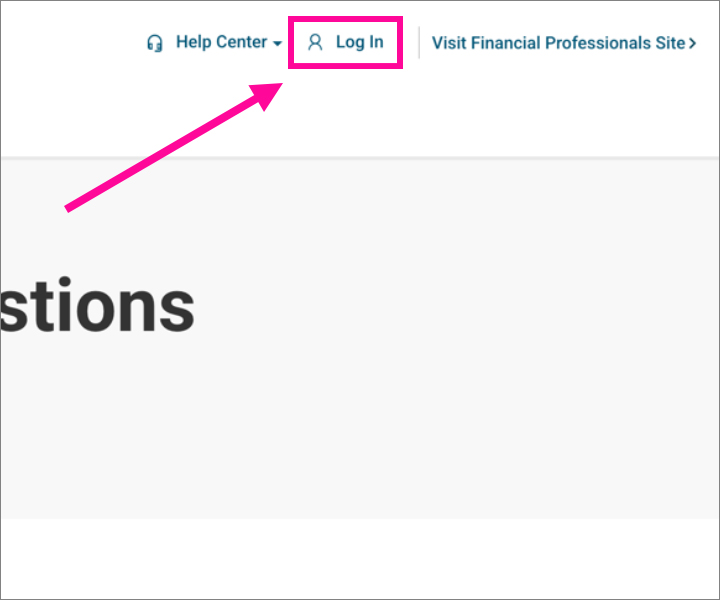
Step 1
Log In from the top right of the screen.
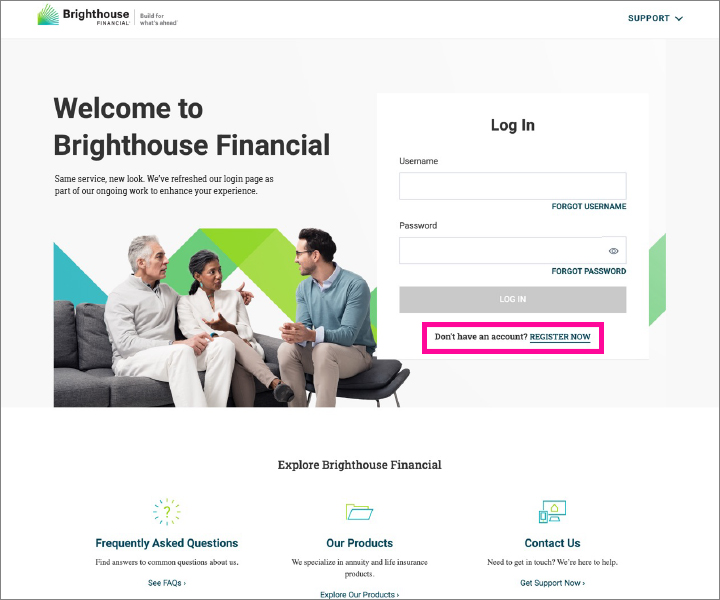
Step 2
Select REGISTER NOW.
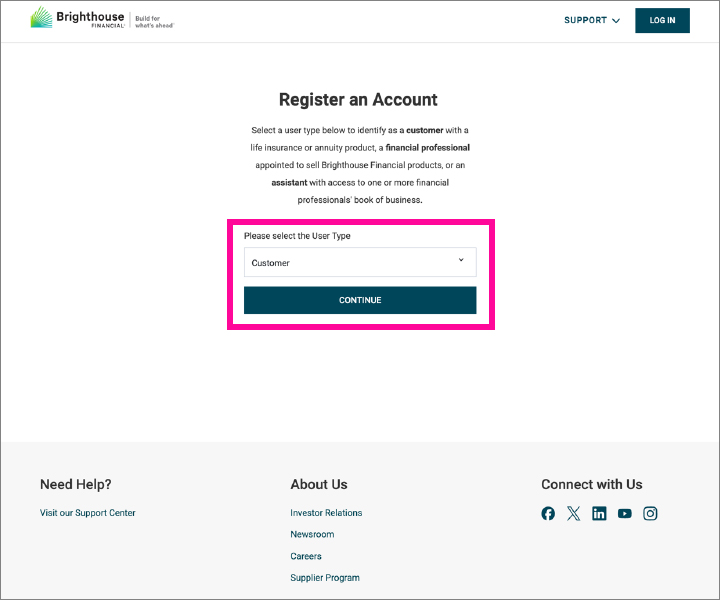
Step 3
Choose Customer as the User Type and select CONTINUE.
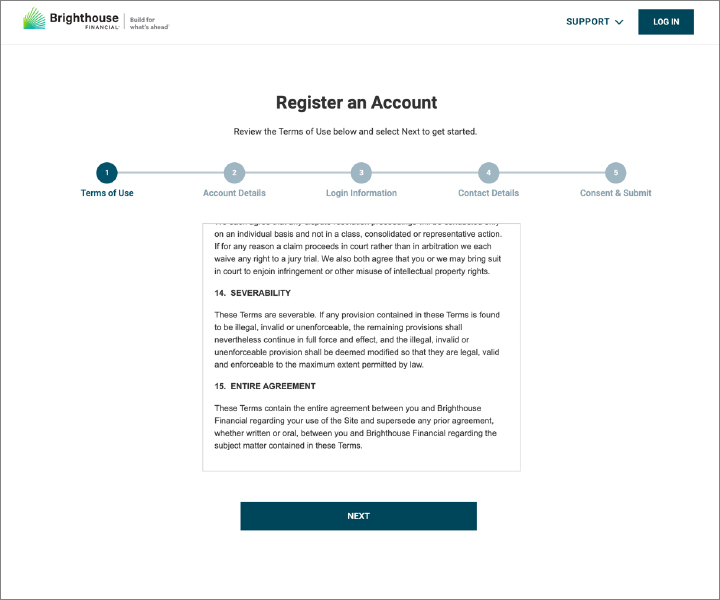
Step 4
Review the Terms of Use and select NEXT.
Step 5
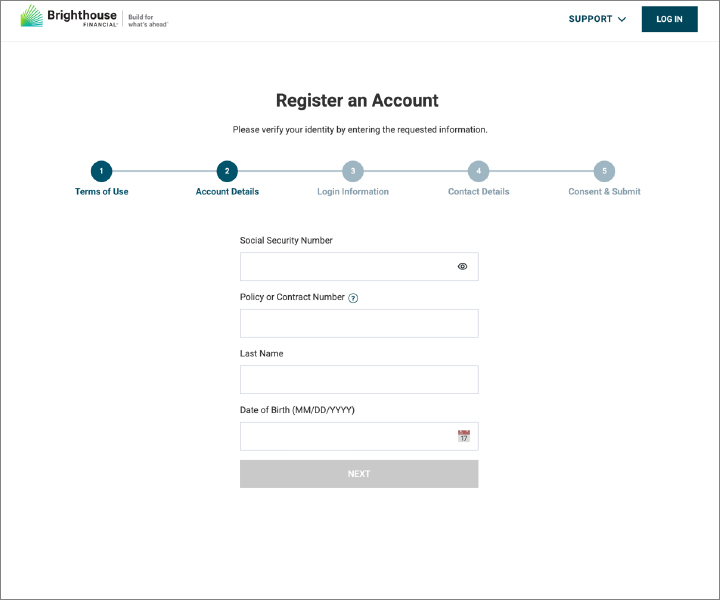
Complete the form, then select NEXT.
Step 6
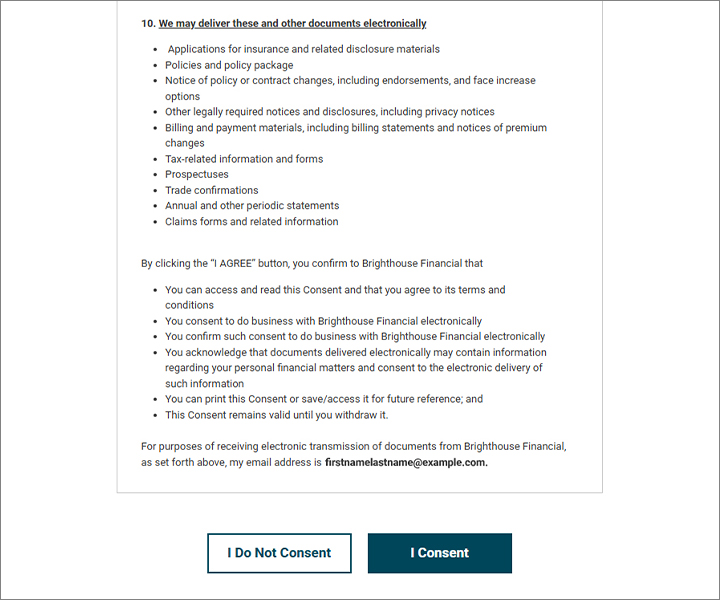
Select I Consent to continue.
Step 7
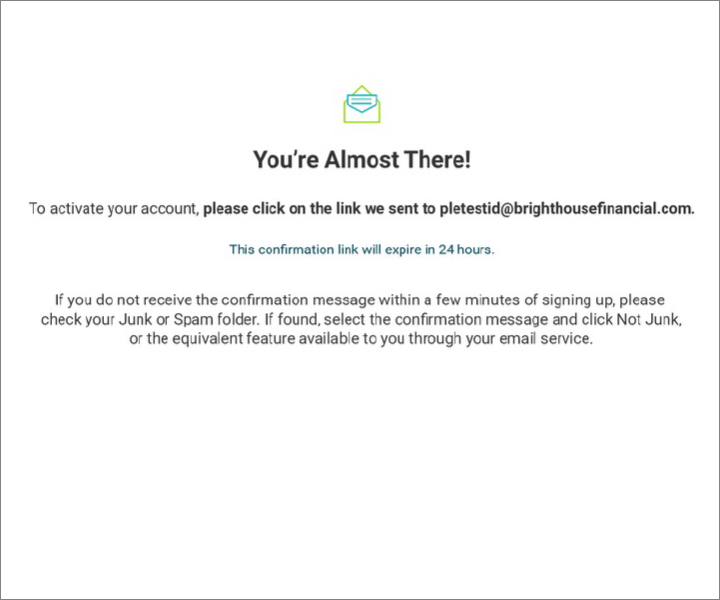
A confirmation link will be sent to your email address. Use the link to verify your account and log in.
Need additional support?
Visit our Frequently Asked Questions or Contact Us
- Share :